

Creating AI videos for free is possible, and it is not a trap: there are two real free doors. Google Flow gives daily credits without a subscription, Dreamina gives daily credits for Seedance too. Not Kling or Higgsfield: Kling's free account includes no credits, and Higgsfield has no free plan for video. Free is for learning to write prompts and trying out scenes; to produce every week you move to a paid plan. The only false promise is "no registration": it does not exist, and below I explain why.
I started exactly from here: free accounts, counted credits, and the goal of understanding whether AI video was for me without spending one euro. The answer was yes, and today these tools are my job. So no megaphone: I tell you the free routes as they really are, with the limits, because anyone who promises you unlimited free is selling you something else.
This guide collects all the zero-cost doors: the complete map of the tools, paid and free, is in create videos with AI.
The free tier of AI video is not a worse version of the work: it is the gym for the work. Anyone who uses it well already knows what to ask for by the time they start paying.
“Free without registration”: the truth
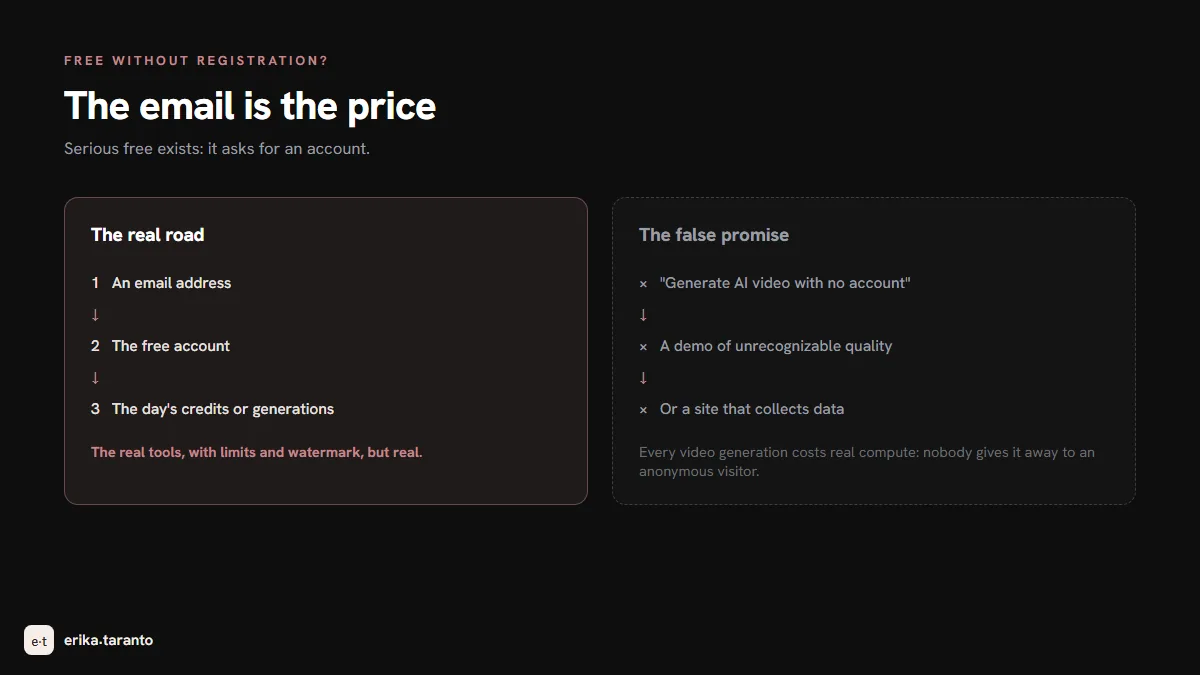
Everyone looks for it, so I start from here: a serious AI video tool without registration does not exist. A page promising "generate AI video free without an account" offers a demo of unrecognizably low quality, or a site that collects data. The calculation behind it is simple: every video generation costs real money in compute, and nobody gives it away to an anonymous visitor.
Registration, usually, is just an email address: it is the reasonable price of free, you pay it once and in exchange you have the real tools, with watermark and limits, but real. My shortcut: an email address dedicated to trial services, so the main inbox stays clean.
The two free doors, compared
What you get from each tool without paying, rechecked in October 2026 on the official pages:
| Tool | What you get free | The limits |
|---|---|---|
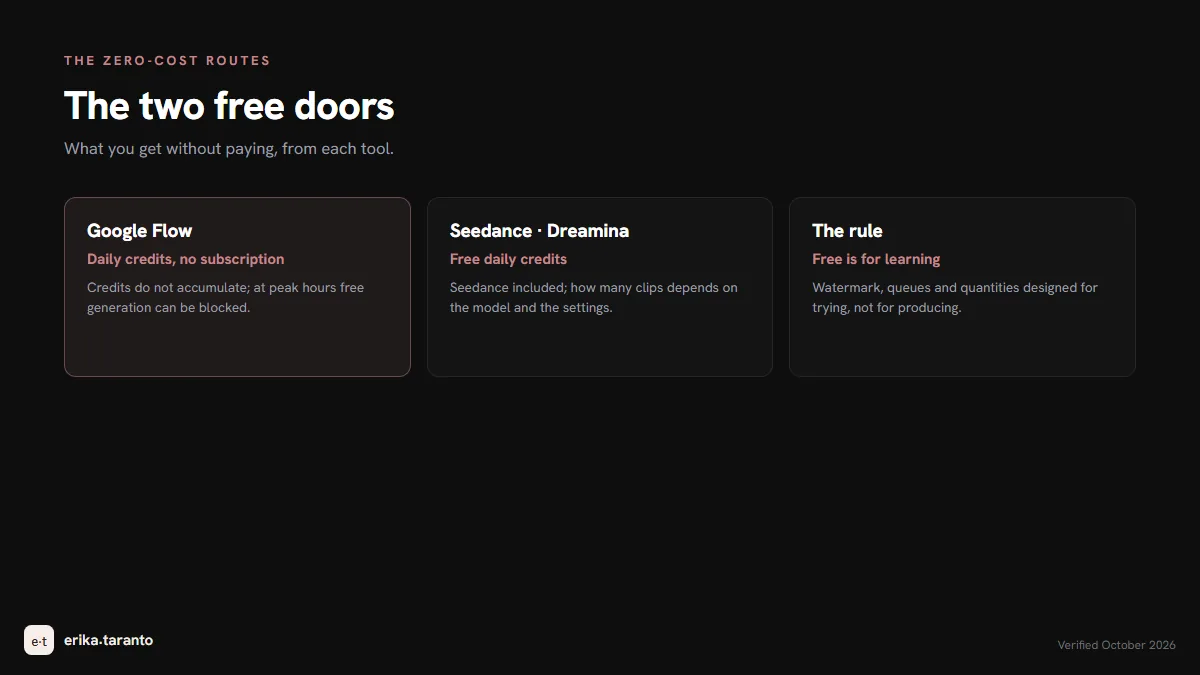
| Google Flow (Gemini Omni) | free daily credits with Gemini Omni Flash | credits do not accumulate; at peak hours free generation can be blocked; videos carry the invisible SynthID |
| Seedance via Dreamina | free daily credits on Dreamina, Seedance included | how many clips depends on the model and the settings; to produce you need a paid plan |
Prices, credits and quotas change often: for today's, check the official page.
The dedicated guide for each tool, with the details that here fit in one line: Veo 3, Kling, Seedance and Higgsfield. And Sora? The free door many knew closed in April 2026: the whole story is in the dedicated guide.
Which one to start with
The right question is not "which is the best free one" but "which free one will you use tomorrow". Here is how I see it:
- To get started and keep the pace: Google Flow. If you already have a Google account you are inside in a minute, and the credits come back every day without a subscription: they are enough for a few clips and give you the most precious thing for learning, continuity.
- For scripted scenes: Seedance on Dreamina. If your ideas are sequences of actions, it is the one that interprets the script.
From image to video, free: the most reliable route
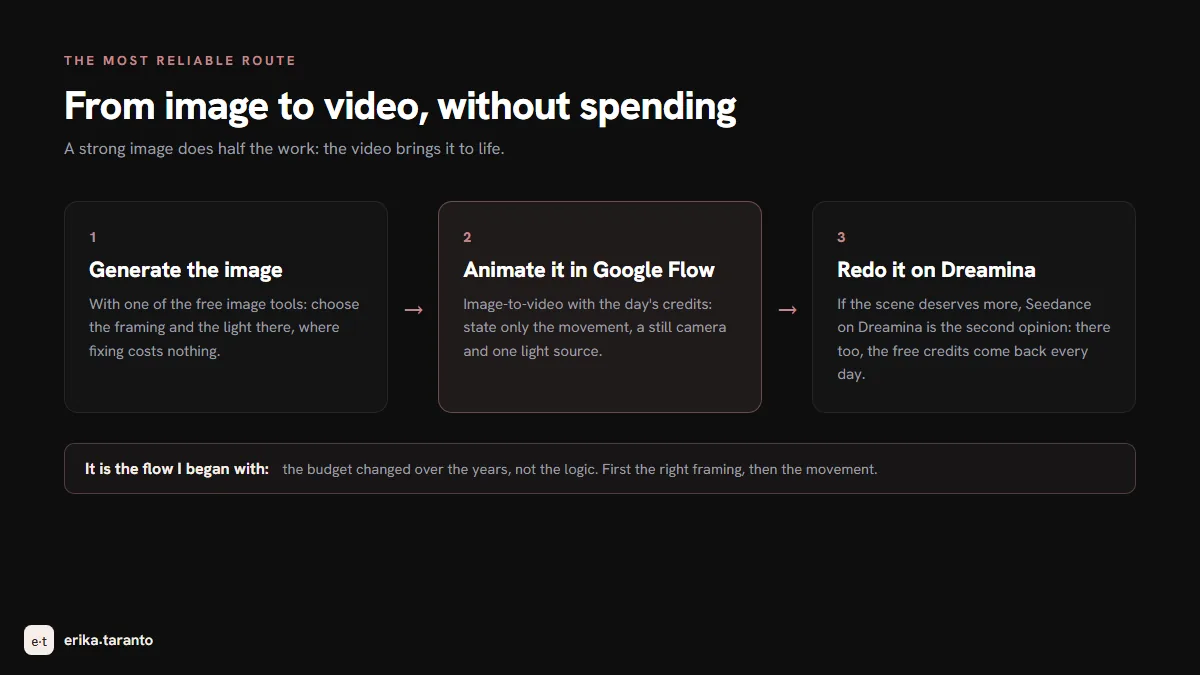
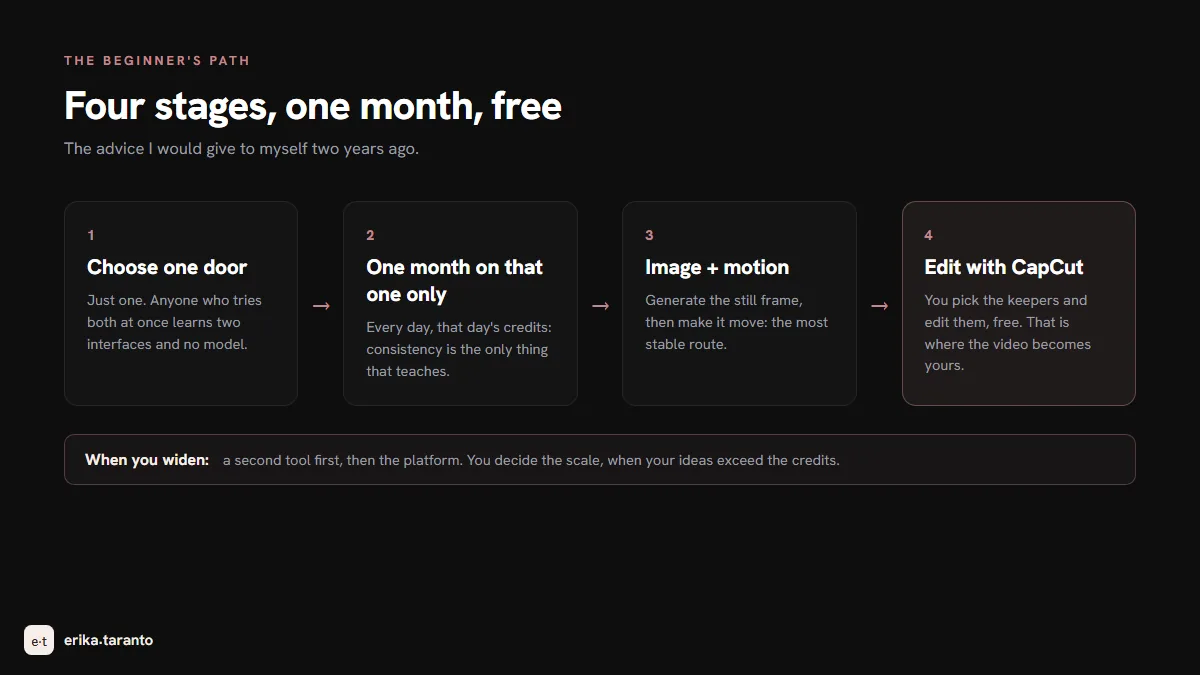
If you start from zero, the most solid route is not describing the scene: it is generating an image first, and then animating it. A strong image does half the work, and the video brings it to life. The complete zero-cost path:
- Generate the starting image with one of the free image tools: the routes are in creating AI images for free.
- Animate it in Google Flow as image-to-video, with the day's credits: state only the movement you want inside the scene, a still camera and one light source.
- If the scene deserves it, ask Seedance on Dreamina for a second opinion: there too the free credits come back every day.
It is the flow I began with, and in the end it is the same one I work with today: the budget changed, not the logic.
What “free” means: the three common limits
The free doors look alike in their limits. Later they will look small to you, but at the beginning it is better to know them:
- Watermark and resolution. The free tier usually comes out with a logo and at reduced quality: perfectly fine for learning, not for delivering. The logo is not an insult, it is the price of admission.
- Queues. At peak times free generation waits, sometimes quite a while, and on Flow it can be blocked. Free is paid for in patience: prepare the scenes while the others run.
- Quantity. Flow's and Dreamina's daily credits: the limit is designed to let you try, not to let you produce. Neither of the two lets you accumulate free credit for a project.
And there is the invisible limit that stays even when you pay: the digital signature inside the file declaring the AI origin. You cannot see it, it is designed to withstand cropping, filters and compression, and it has to be declared: transparency is part of the craft.
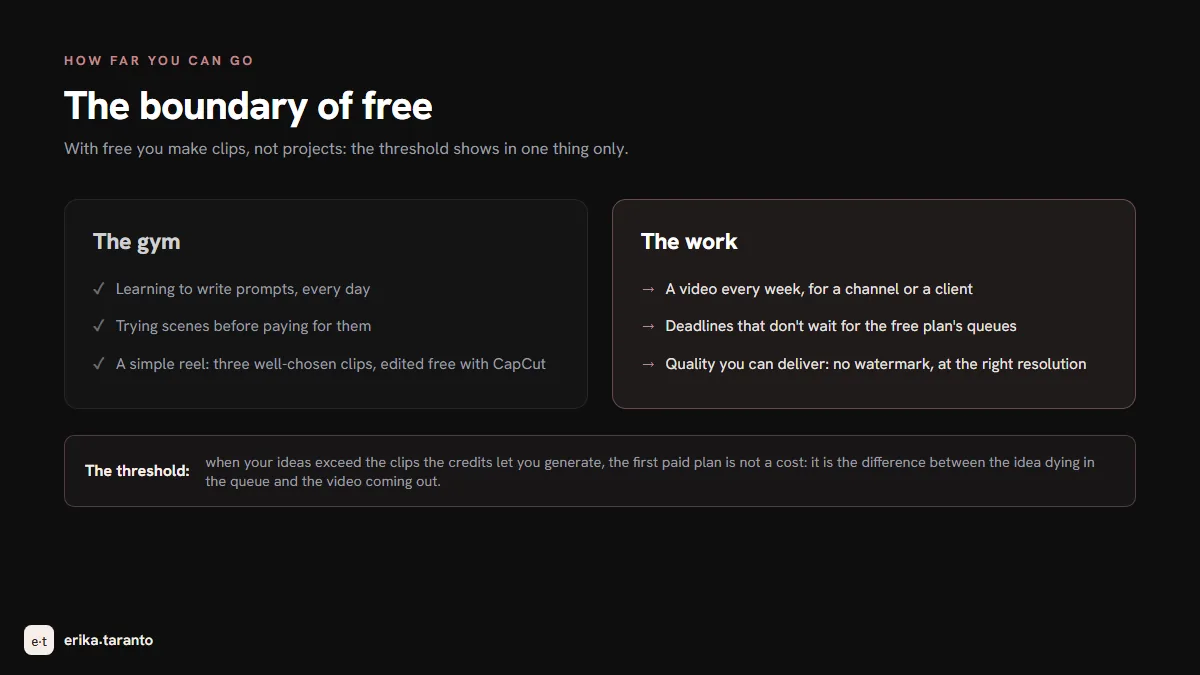
How far you can go without paying
The honest answer, from the inside: with the free tier you make clips, not projects. A simple reel with three well-chosen clips is possible: you pick the scenes, use the credits of several days, edit free with CapCut. A continuous project, a video every week for a channel or a client, no: the daily limits stop you halfway, and stopping halfway is the worst way to use a tool.
The strategy that works, and it is the one I followed: you learn for free, you produce on a paid plan, and you choose when. You recognize the right moment from one thing only: when your ideas exceed the clips the credits let you generate. That day the first paid plan is not a cost: it is the difference between the idea dying in the queue and the video coming out.
How to work out the real cost of a project, with the attempts that nobody counts, is in the costs section of the main guide.
Do they work in Italian?
Yes and no, in the right measure: the models accept the prompt in Italian, but they are trained mostly on English and follow it better. My prompts always start in English, even for videos I publish in Italian. The video itself, then, has no language: when Italian texts and dialogues are needed, they get composed and dubbed in editing, where you really control them. The complete prompt rules, whether in English or not, are in the main guide.
If you want to keep going free
- Create videos with AI, the complete map of the tools (the pillar of this guide);
- Create AI images for free, the image side of the same road;
- Kling AI, the engine that moves people best;
- Veo 3, Google's video model, also available in Flow;
- Higgsfield enters Blender, the plugin for 3D directing.
And if the video you have in mind is for your brand and you prefer to have someone who produces it every day: that is my craft, and it was born exactly from this road. Write to me and we'll start from an idea.
Sources
- Google Flow, free daily credits: support.google.com/flow
- Kling AI, plans and credit rules (the free account includes no credits): kling.ai, kling.ai/docs/point-policy
- CapCut's Dreamina, free daily credits and Seedance: dreamina.capcut.com
- Higgsfield, free plan and paid plans: higgsfield.ai/help-center; no free plan for video: higgsfield.ai/blog
- Actual limits of the free plans: verified in the app in August 2026, same check as the main guide
For updates and news, there is my Telegram channel
I publish the latest news on AI video tools there first.
Leave a comment
Comments are reviewed and approved before they appear.