
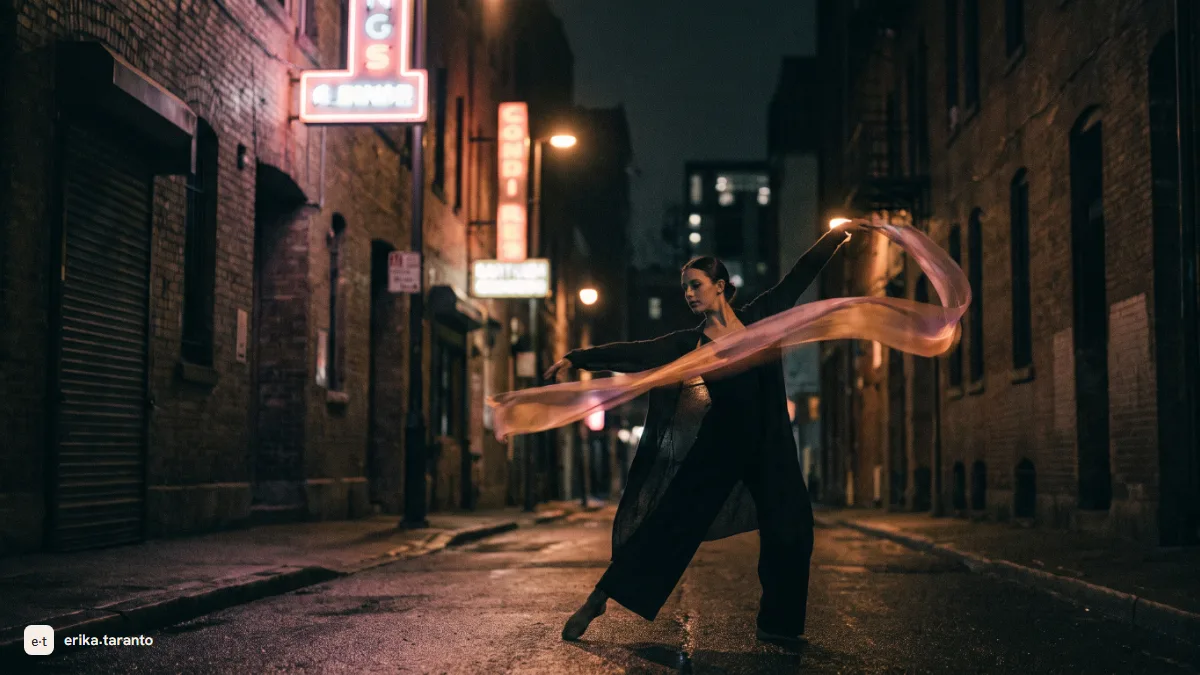
Kling AI is a video generation model by Kuaishou, a Chinese company and one of the giants of short video: from its latest 2024 releases to today it has become the engine that handles human movement best, walking, gestures and body physics included. It generates clips from a few seconds up to 15 (Kling 3.0) or 30 (Kling 4.0) from text or an image, and it is available on kling.ai and inside directing platforms like Higgsfield. The free account includes no credits: to generate you need credits from a plan, a purchase or a promotion. Here you will find how to get started, what to write in it, how the plans work and the honest limits.
If Veo is the director who executes the written scene, Kling is the actor. In my week, the clips with people who have to look alive, like a woman walking against the crowd in the metro or a bartender drying a glass, go through Kling: where the other models move believable puppets, Kling moves bodies with weight.
This is the dedicated guide. The complete overview of the five engines, with which one wins where, is in create videos with AI.
The other models move believable puppets. Kling moves bodies: that is why every scene of mine with people in it goes through here.
What Kling AI is (and why professionals use it)
Kling is a text-to-video and image-to-video model developed by Kuaishou, the Chinese company behind one of the largest short video services in the world. Presented in 2024, it has been updated at a fast pace since: the version I use today has little in common with the one people were talking about two years ago, and that is the first thing to know if you are evaluating it: Kling keeps evolving and changes every few months.
It built its reputation on realism, and it is deserved on one precise point: human movement. Natural walks, hands grabbing objects, hair moving in the wind, the weight of a body sitting down. These are the hardest things for a video model, because one wrong frame is enough and the spell breaks: Kling makes fewer mistakes than the others, precisely there.
The second reason professionals keep it at hand is that they often already have it: it lives inside directing platforms like Higgsfield, and that is where I use it.
How Kling’s credits work
On Kling every generation uses credits, and the thing to know right away is that the free account includes none. There are three ways to get them: a subscription, which brings credits every month together with 1080p, watermark removal and faster generation; a purchase, if you need extra credits for a project; the platform's promotions, when there are any.
Daily credits exist too, but they are not for everyone: according to the official rules, subscribers receive them when they log in, and only during certain events. If you want to learn without spending, the real free doors today are elsewhere, such as Google Flow and Dreamina: you will find them compared in the guide free AI video generators.
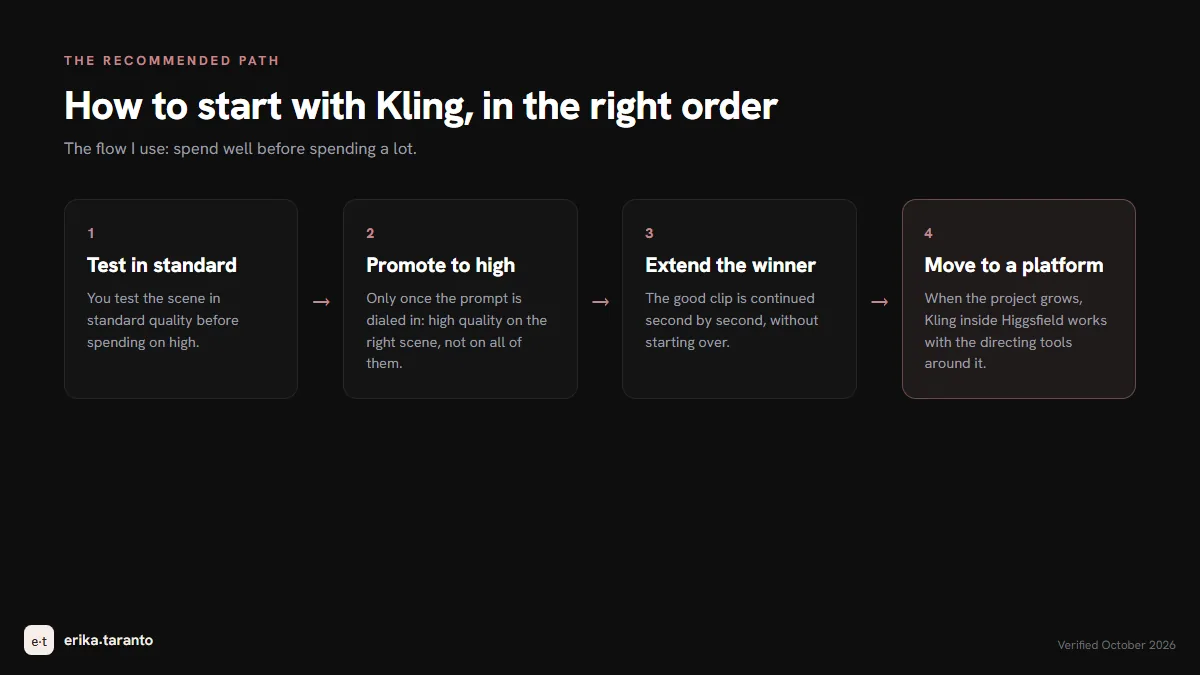
How to use it: the first clip in five steps
- Create the account on kling.ai: you need an email address, the interface is in English. To generate you need credits: they come with a plan or a purchase.
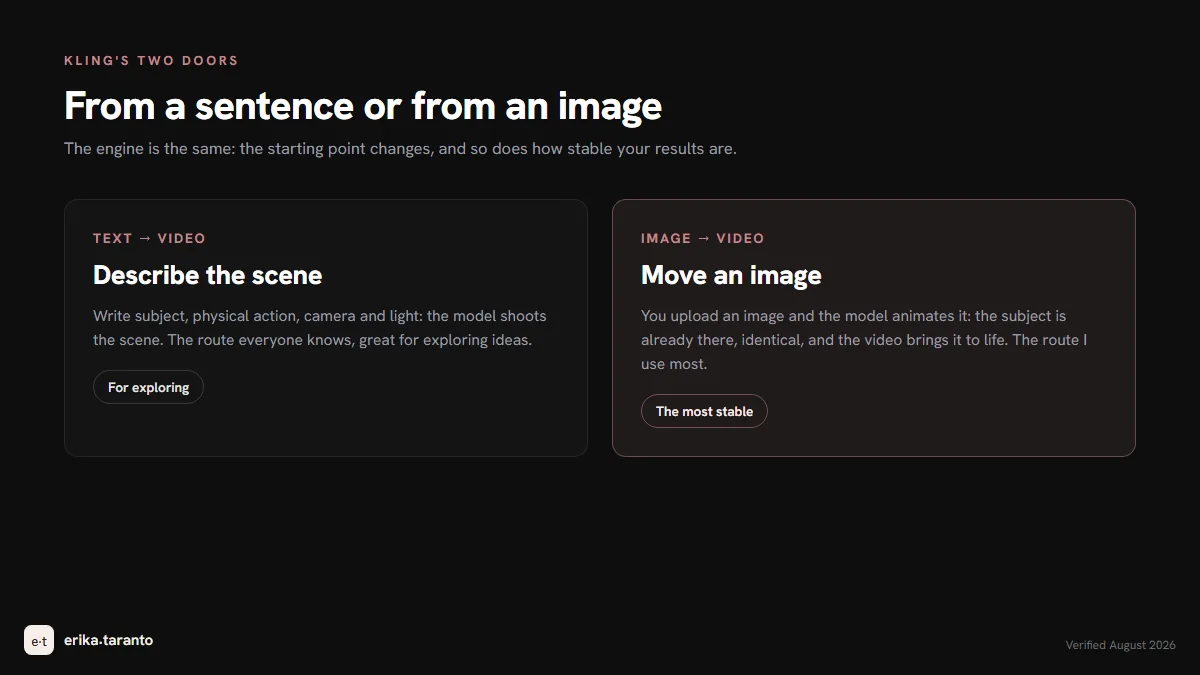
- Choose how to start: text-to-video, where you describe the scene, or image-to-video, where you upload an image and make it move. The second route gives the most stable results: a strong image does half the work.
- Write the scene with the body at the center (I give you an example below): on Kling physics is the model's greatest strength, so the prompt must state the movement, not only the atmosphere.
- Choose duration and quality: from a few seconds up to 15 with Kling 3.0 and up to 30 with Kling 4.0, standard or high. The try happens in standard, the successful one is redone in high: spending high quality right away on an untested prompt is a sure way to waste credits.
- Extend when needed: if the clip works, Kling can continue the scene. If the project is bigger, with more clips and consistency to keep, I move to a platform: in Higgsfield Kling is already included, with the directing tools around it.
The prompt on Kling: the body at the center
If on other engines the prompt is the scene, on Kling the prompt is the body inside the scene. The structure I use, with a real example from my folder:
A fisherman in a yellow slicker pulls a rope on a wooden pier, heavy rain, camera holds still on a tripod, cold morning light, waves hitting the posts.
Five parts: who (described through body and clothing), physical action (only one, with the effort stated: pulls, not interacts with), environment (the pier, the rain), camera (still: always state it, or it wanders) and light (cold, morning). On Kling the physical part pays off twice: pulls a rope generates arms, shoulders and weight working together.
The functions that make the difference
What distinguishes Kling from the other models, in the practice of every week:
- Start and end frame. You can give Kling the first and the last frame of the scene, and the model builds the movement between the two: it is the function I use most when the shot is already decided.
- Camera moves you can specify. Tracking, pan, zoom: you choose them instead of hoping for them.
- Clip extension. The good scene can be continued, second after second, without starting over.
- Lip sync. You upload an audio file and the face follows it: for reels with speech it is the shortcut that saves dubbing in post.
None of these functions is a toy: together they are the reason Kling, born as the Chinese surprise of 2024, is today a workhorse.
How much Kling AI costs
Kling has a free plan and paid plans, and with the new models (Kling 4.0 was officially launched on October 15, 2026) they may change. Prices, credits and quotas change often: for today's, check the official page. I don't subscribe to everything: I use Kling inside Higgsfield, where I already have it.
| Plan | What you get | Who it is for |
|---|---|---|
| Free | no credits included | Getting to know the interface before choosing a plan |
| Standard | the first paid plan: credits every month, 1080p, no watermark, faster generation | Producing every week for social media and projects |
| Higher plans | more credits and more functions as the plan goes up | Teams and high volumes |
The honest limits
- No credits, no generation. The free account includes none, and 1080p, watermark removal and faster generation start from the first paid plan.
- Camera precision. It moves bodies better than anyone, but it follows direction less faithfully than Veo: if the shot is written to the millimeter, that is not where it is strongest.
- The interface is not available in Italian. It accepts the prompt in Italian, but the interface is in English and the model follows English better: my prompts always start there.
- Scenes with several actions in a row. With the multi-shot of Kling 3.0 they work better than they used to, and Kling 4.0 focuses on more keyframes, but for three chained actions in the same clip I still use Seedance.
When I choose Kling, and when I do not
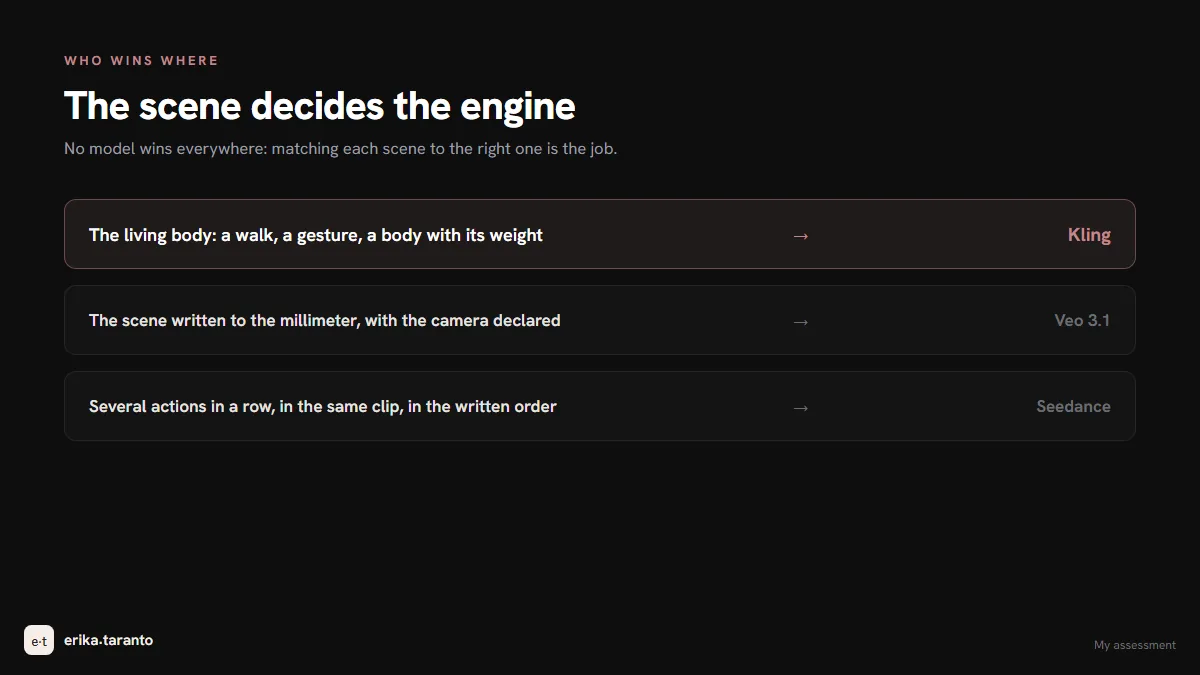
Kling takes the scenes where a body must look alive. The rest I assign like this:
- a scene that is already written, with the camera set to the millimeter: Veo 3.1 executes it with more precision;
- more actions in a row: Seedance remembers them all;
- whole projects where directing, consistency and social formats have to be managed together: Higgsfield, where Kling works with the tools around it.
And if you need a video with people who look alive for your brand and would rather hire someone who does this every day: that is my craft. Write to me and we start from an idea.
The guides in the video series
- Create videos with AI, the map of all the tools (the pillar article of this series);
- Higgsfield, the directing platform where Kling lives with the other engines;
- Veo 3, the engine that executes the written scene;
- Seedance, the engine for actions in a row;
- Free AI video generators, all the zero-cost routes.
Sources
- Kling AI, official website: kling.ai
- Kling AI, plans and credits: kling.ai/app/membership
- Kling AI, Kling 4.0 (clips up to 30 seconds in a single pass): kling.ai/feature/kling-4-ai-video-generation
- Kuaishou, press release "Kling AI Officially Launches Next-Generation Kling 4.0" (October 19, 2026, official launch on October 15): bernama.com
- Kling AI, Kling 3.0 (clips of up to 15 seconds, multi-shot): kling.ai/feature/kling-video-3
- Kling AI, credit rules: kling.ai/docs/point-policy
- Higgsfield, the platform where Kling is included: higgsfield.ai
- Model behavior: verified in the app in August 2026 (before Kling 4.0), same check as the main guide
For updates and news, there is my Telegram channel
I publish the latest news on AI video tools there first.
Leave a comment
Comments are reviewed and approved before they appear.